
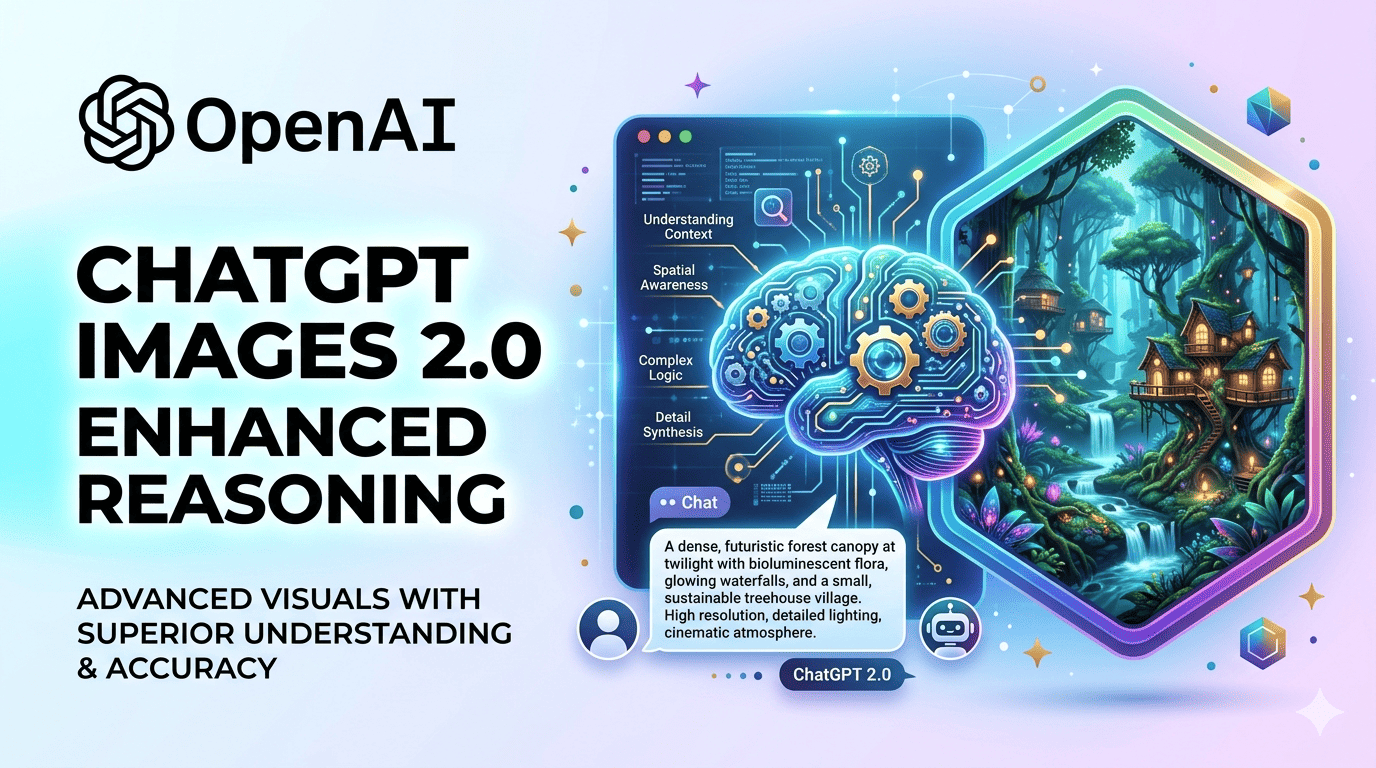
OpenAI quietly dropped one of its most significant product launches of 2026 on April 21 — and this time, it skipped the keynote entirely. No hype cycle, no countdown timer, no livestream. Just a model that immediately claimed the number-one spot on the Image Arena leaderboard by the largest margin ever recorded.
That model is ChatGPT Images 2.0, powered under the hood by gpt-image-2. And if you are a creator, marketer, educator, or developer who uses AI-generated visuals for anything real — this is not a minor update you can afford to skim past.
This post covers what actually changed, why it matters to you specifically, how the pricing works, and what you need to do before May 12, 2026, when OpenAI retires DALL-E 2 and DALL-E 3 for good.
What Is ChatGPT Images 2.0?
ChatGPT Images 2.0 is OpenAI’s next-generation image model, released on April 21, 2026. It replaces GPT Image 1.5 as the default image generation system across ChatGPT, Codex, and the API. The underlying model is called gpt-image-2 for developers.
But the version number barely captures the scope of the change. Previous iterations of ChatGPT’s image tools were largely “diffusion-based” rendering tools — you described something, the model drew it, you hoped for the best. Images 2.0 is fundamentally different in one specific way: it thinks before it draws.
OpenAI has integrated its O-series reasoning capabilities — the same class of reasoning powering its best language models — directly into the image generation pipeline. The result is a model that plans a composition, checks its own output for accuracy, verifies object counts, searches the web for real-time context, and then generates. It is the architectural difference between a painter who guesses and an architect who blueprints.
As OpenAI put it in its own launch materials: “Images are a language, not decoration. A good image does what a good sentence does — it selects, arranges, and reveals.”
Why Does This Release Matter So Much?
To understand the significance, it helps to look at what was broken before.
AI image generation tools — including OpenAI’s own — have always struggled with a handful of specific problems: text that looked like scrambled alphabet soup, layouts that fell apart under complex prompts, character faces that changed between frames, and factual accuracy that was essentially nonexistent for anything current. These were not small annoyances. They were the reason most designers, marketers, and content teams couldn’t actually use AI image generation for professional output.
Images 2.0 directly targets all of these failure points at once.
Within 12 hours of launch, gpt-image-2 had claimed the top position on the Image Arena leaderboard with a +242-point lead over the second-place model — the largest gap ever recorded on that leaderboard. Before this launch, Google’s Nano Banana 2 held first place. It no longer does.
The 5 Biggest Changes in ChatGPT Images 2.0
1. Native Reasoning Capabilities (The “Thinking” Mode)
This is the headline upgrade and the one that changes what the model is capable of doing structurally.
When Thinking mode is enabled, the model doesn’t just receive your prompt and render it. It uses OpenAI’s O-series reasoning to analyze the task, plan the visual composition, check its own outputs against your requirements, and search the web for up-to-date visual references or factual context before generating a single pixel.
OpenAI operates this system in two distinct modes. Instant Mode is the fast default, available to all users including the free tier — it delivers the base quality improvements of the 2.0 model without the reasoning step. Thinking Mode is the slower, deliberate mode where the real capability jumps live. It is restricted to Plus, Pro, Business, and Enterprise subscribers.
For users on paid plans, Thinking Mode supports generating up to eight coherent images from a single prompt with consistent characters, objects, and visual style maintained across all of them. This capability — multi-image consistency from one prompt — did not exist in any meaningful way before April 21, 2026.
2. Text Rendering That Actually Works
For anyone who has ever tried to generate a poster, infographic, social media graphic, or UI mockup with any AI image tool, you already know the problem: the text was always garbage. Letters merged into each other, words were misspelled, fonts looked like nightmares rendered in Comic Sans fever dreams.
ChatGPT Images 2.0 reports approximately 99% text accuracy across languages and scripts. This includes non-Latin scripts — Japanese, Korean, Chinese, Hindi, Bengali, and Arabic — all rendered with proper character structure and layout logic. The text isn’t just placed correctly; it flows coherently within the design, as if it was set by someone who actually speaks the language.
This single improvement moves AI image generation from “ideation tool” to “asset production tool” for a significant portion of professional use cases.
3. Multilingual Support at Scale
Related to text rendering but worth calling out separately: Images 2.0 has genuine multilingual intelligence. It doesn’t just place non-Latin characters accurately — it understands the spatial and cultural logic of different scripts and design traditions.
This matters enormously for global teams, localized marketing campaigns, educational content for non-English-speaking audiences, and creators working outside the Latin-script world who have largely been underserved by AI image generation since its inception.
4. Up to 2K Resolution (and 4K in API Beta)
The base resolution has jumped significantly, with 2K resolution now standard and 4K resolution available in API beta. This matters for print-ready outputs, large-format designs, and high-fidelity visual assets that need to hold up at actual production quality rather than just looking acceptable on a phone screen.
Note that 4K via the API is still in beta and may produce inconsistent results in some cases. Factor that into production planning if high resolution is a hard requirement.
5. Real-Time Web Search During Generation
The model’s knowledge base has a cutoff of December 2025 — a significant improvement from previous iterations, but still a limitation for very recent events. To bridge this gap, Images 2.0 can search the web in real time during the generation process (in Thinking Mode) to ensure visual accuracy for current events, recent product releases, or specific technical details.
This is particularly powerful for educational graphics, news-adjacent infographics, and visual explainers where factual accuracy is as important as aesthetics.
Who Gets Access to What: The Tier Breakdown
One of the most common points of confusion around the Images 2.0 launch is which features are available to which users. Here is the clear breakdown:
Free Tier: Access to Instant Mode (base quality, no reasoning). Standard generation, no multi-image batching, no web search. Rate limits apply — free users hit a message cap every few hours.
ChatGPT Plus ($20/month): Full access to Thinking Mode, multi-image batching (up to 8 images per prompt with character continuity), real-time web search during generation, and higher-quality outputs. For most content creators and small teams, this is the practical entry point for production-grade use.
ChatGPT Pro ($200/month): Everything in Plus, plus Pro-exclusive ImageGen Pro, higher rate limits, and priority access during high-demand periods.
Business and Enterprise: Everything above, with team-level usage controls, API access, and volume pricing.
API (Developers): Token-based pricing. At standard 1024×1024 high quality, generation costs roughly $0.21 per image — about 60% more than the previous gpt-image-1 model, reflecting the larger canvas and the reasoning computation added to each generation. Medium quality at approximately $0.053 per image is the practical sweet spot for most thumbnail and social asset production pipelines.
If you are generating between 20 and 200 images a month via ChatGPT, the math on Plus at $20/month is straightforward: Thinking Mode alone is likely worth the subscription versus rerolling Instant Mode outputs repeatedly to get one usable result.
Real-World Use Cases: Who Should Care Most
Marketers and Content Teams
The multi-image consistency feature is transformative for campaign production. Generating up to eight branded assets — same character, same color palette, same visual DNA — from a single prompt collapses what used to be a multi-session workflow into a single request. Social graphics, presentation slides, and email banner variants no longer need to be stitched together manually.
The improved text rendering means that promotional posters, product launch graphics, and ad creatives with real readable copy are now viable outputs rather than starting points that need heavy post-processing.
Educators and E-Learning Creators
The combination of real-time web search, factual reasoning, and accurate text rendering makes Images 2.0 a genuinely useful tool for educational graphics and visual explainers. Diagrams where factual correctness matters as much as aesthetics — anatomical illustrations, historical maps, scientific process flows, multilingual learning materials — are now within reach.
Developers and Product Teams
gpt-image-2 is available through the standard OpenAI API with the same endpoint structure used in production. Notably, it is also integrated into Codex, OpenAI’s coding environment, enabling visual asset generation within the same workspace used for app development and slide decks.
For UI mockups, prototype visuals, and in-product illustrations, this means creative assets can now be produced without leaving the development environment.
Manga Artists, Illustrators, and Storyboarders
The multi-image batch feature with character continuity directly addresses one of the most painful workflows in sequential art production. Children’s book creators, storyboard artists, and manga creators can now generate a coherent eight-panel sequence from a single prompt with consistent characters and object placement across all frames.
Indie Creators and Solopreneurs
For smaller operations that can’t afford design agencies, the practical implication is that professional-grade visual assets — posters, infographics, brand visuals, social media graphics in multiple formats — are now achievable without significant design skills or hours of iterative prompting.
What ChatGPT Images 2.0 Still Cannot Do Well
Transparency matters here. OpenAI itself acknowledged several current limitations, and independent testing has surfaced a few more worth flagging:
Photorealistic faces at close crop still produce subtle artifacts. Human faces and hands remain the most technically challenging element for all AI image models, and Images 2.0 is better but not solved.
Precise brand assets with exact logo geometry are unreliable. If pixel-perfect brand compliance is a requirement, this model is a starting point, not a final asset generator.
Long text blocks inside images degrade after a few hundred characters. Short labels, headings, and captions work very well. Full paragraphs of body text inside an image do not.
Transparent backgrounds are not currently supported via the API’s Responses tool. If your pipeline depends on transparent-background outputs, route those specific steps to GPT-Image-1.5 as a fallback, or factor in a post-processing step.
Style consistency across separate sessions — while character continuity holds beautifully within a single batch request, it drifts noticeably across separate sessions. If long-running character consistency is a hard requirement for your project, plan for additional prompting work.
Thinking Mode is slower. The reasoning and web search steps take time. If generation latency is critical to your use case, Instant Mode is the practical choice.
ChatGPT Images 2.0 vs. Competitors
vs. Google Nano Banana 2
Before April 21, Google’s Nano Banana 2 led the Image Arena leaderboard. ChatGPT Images 2.0 now holds first place with a 242-point lead. Both models support dense text within images. OpenAI’s model appears to lead on UI fidelity, complex multi-image consistency, and instruction following. The trade-off is speed — Thinking Mode is noticeably slower than Google’s default generation.
vs. Midjourney v8
Midjourney maintains its edge on pure aesthetic quality and artistic composition for editorial and cinematic use cases. However, Midjourney v8 does not have a public API, making it inaccessible for production pipelines at scale. For text accuracy, instruction following, and developer access, gpt-image-2 wins clearly.
vs. DALL-E 3
This comparison is becoming moot. DALL-E 2 and DALL-E 3 are both being retired on May 12, 2026. gpt-image-2 replaces them entirely.
The DALL-E Retirement Deadline: Action Required Before May 12, 2026
This is the most time-sensitive piece of this entire article. If you have any code, workflow, or integration calling DALL-E 2 or DALL-E 3 endpoints directly, those calls will fail after May 12, 2026 — less than three weeks from the date of this publication.
The migration path is straightforward: update your model ID from the DALL-E endpoint to gpt-image-2. You can also use the chatgpt-image-latest alias, which will always point to the current default image model and give you automatic updates going forward.
For teams with legacy integrations, the time to migrate is right now, not the week before the deadline.
How to Access ChatGPT Images 2.0 Today
Via ChatGPT: Available to all users starting April 22, 2026. Instant Mode is free. Thinking Mode requires Plus or higher subscription.
Via Codex: Available with an existing ChatGPT subscription, no separate API key required.
Via the API: The official gpt-image-2 API is opening to developers in early May 2026. Your model ID is gpt-image-2, with gpt-image-2-2026-04-21 as the dated snapshot. Complete Organization Verification in your OpenAI developer console before your go-live date — discovering this requirement on launch day is not ideal.
Third-party proxy access has been available since the launch date at approximately $0.01–$0.03 per image, but verify output rights and pricing terms carefully before using these for production assets or sensitive materials.
Final Verdict: Is ChatGPT Images 2.0 Worth the Upgrade?
For casual users generating occasional images, the free tier upgrade is essentially free — you already have it, and Instant Mode is genuinely better than what existed before.
For anyone doing real creative work — marketing, content production, educational design, product prototyping, or sequential art — the answer is yes, and Plus at $20/month is likely the right tier. The text rendering improvement alone changes what is practical for professional output. Multi-image consistency from a single prompt removes a genuinely painful manual workflow. And the LM Arena lead of +242 points is not a marketing number — it reflects real human preference across blind testing at scale.
OpenAI described its philosophy behind this release with a line worth quoting directly as it captures the shift precisely: the company has moved from asking “can ChatGPT draw?” to asking “can the image model handle real work inside a reasoning and production workflow?”
For a growing number of use cases, the answer as of April 21, 2026 is yes.