Internet Speed Test app Ui made using Jetpack Compose

Internet Speed Test

Yes, it is definitely possible to create an Internet Speed Test UI app using Jetpack Compose. Jetpack Compose is a modern toolkit for building native Android user interfaces using a declarative approach. It is a powerful and flexible tool that allows developers to create beautiful, responsive UIs with less code. To create an Internet Speed … Read more
Navigation Drawer in Jetpack Compose (Material 3)

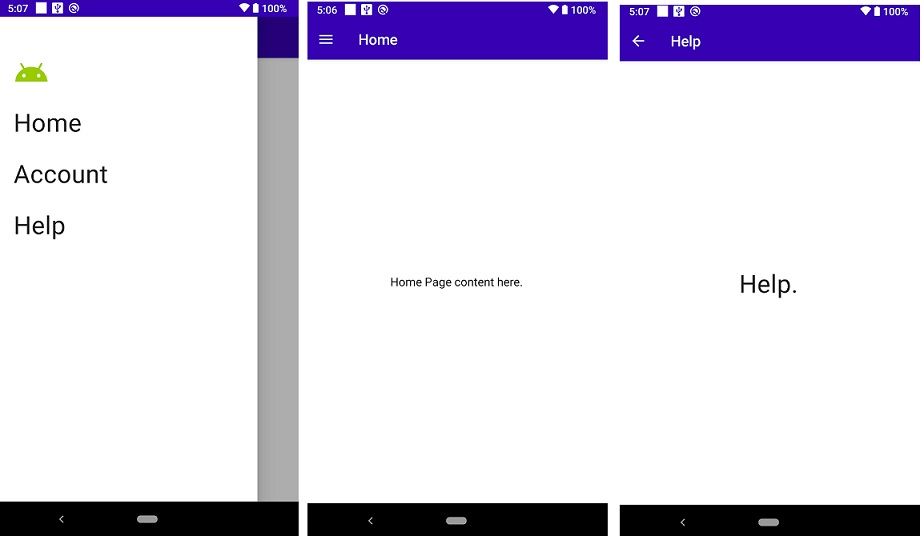
Navigation Drawer using Jetpack Compose

Build a navigation drawer in Jetpack Compose with Material 3 using ModalNavigationDrawer, NavigationDrawerItem, a top app bar and drawer state.

Barcode and QR Code Scanner in Jetpack Compose (ML Kit)

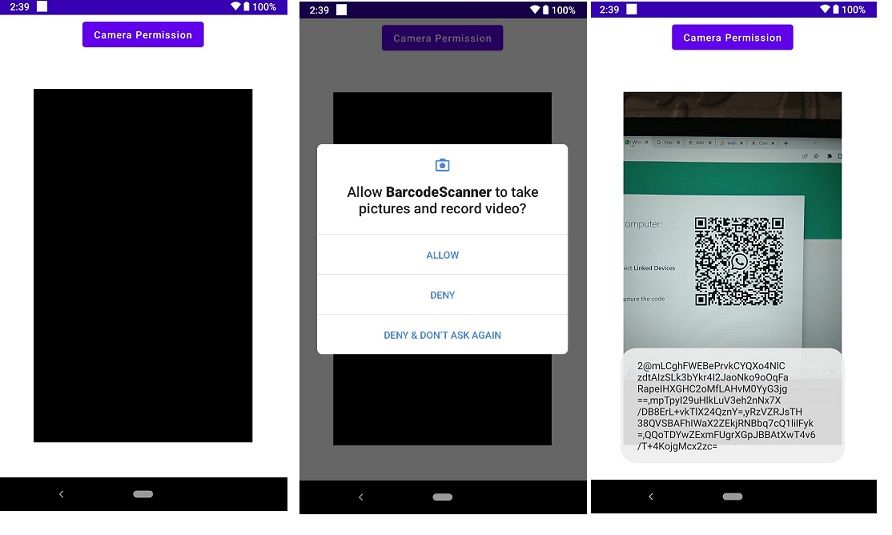
Jetpack compose Barcode QR code scanner

Scan barcodes and QR codes in Jetpack Compose with the Google code scanner API or CameraX and ML Kit. Includes permission handling and complete Kotlin code.

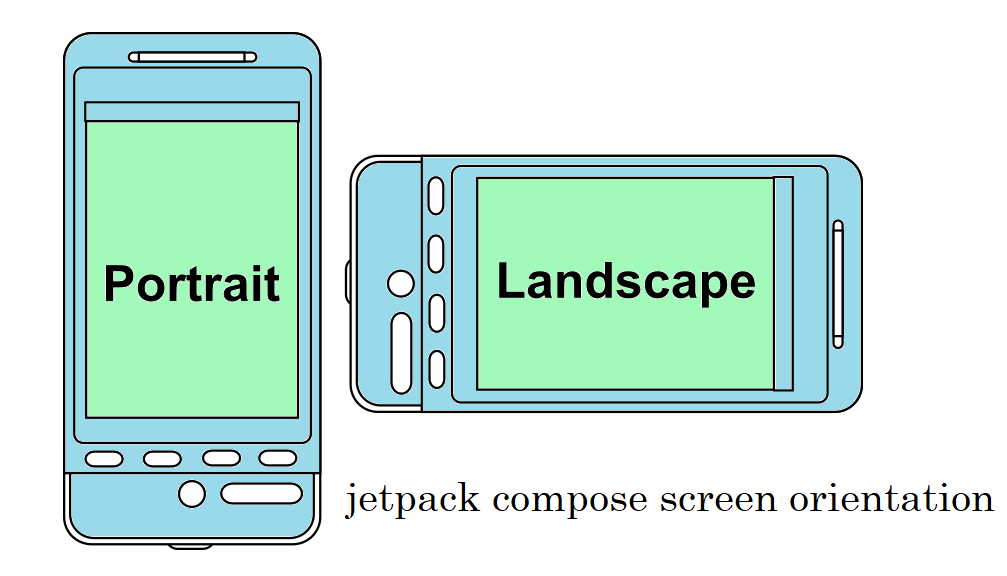
Jetpack Compose Screen Orientation: Detect and Lock

handle configuration changes like screen rotations in an Android application

Detect and lock screen orientation in Jetpack Compose with LocalConfiguration, requestedOrientation and the manifest. Handle rotation and state correctly.

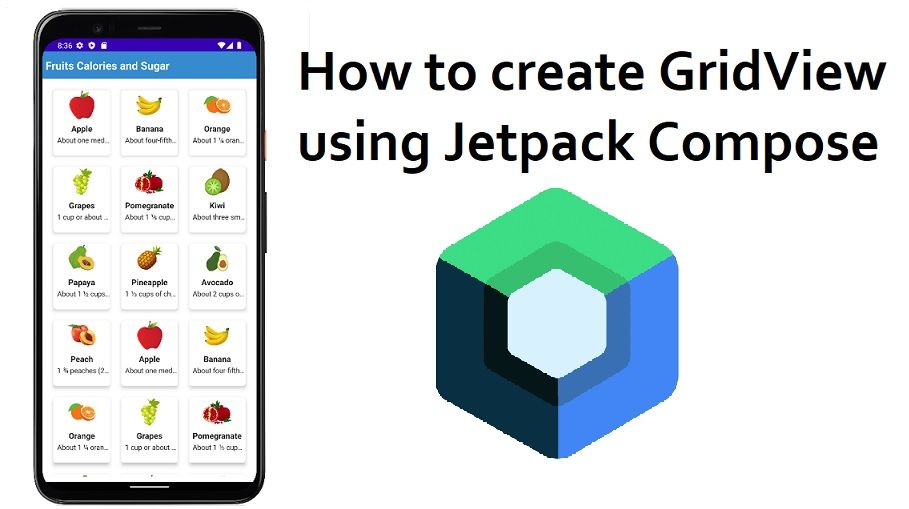
LazyVerticalGrid in Jetpack Compose: Grid Example

How to create GridView using Jetpack Compose

Create a grid in Jetpack Compose with LazyVerticalGrid. Learn fixed and adaptive columns, spacing, spans, item keys and staggered grids with Kotlin code.

Center Content in Jetpack Compose Column, Row and Box

Jetpack Compose Column Gravity center

Center items in Jetpack Compose with Column, Row and Box. Learn horizontalAlignment, verticalArrangement, Modifier.align and the XML gravity equivalents.

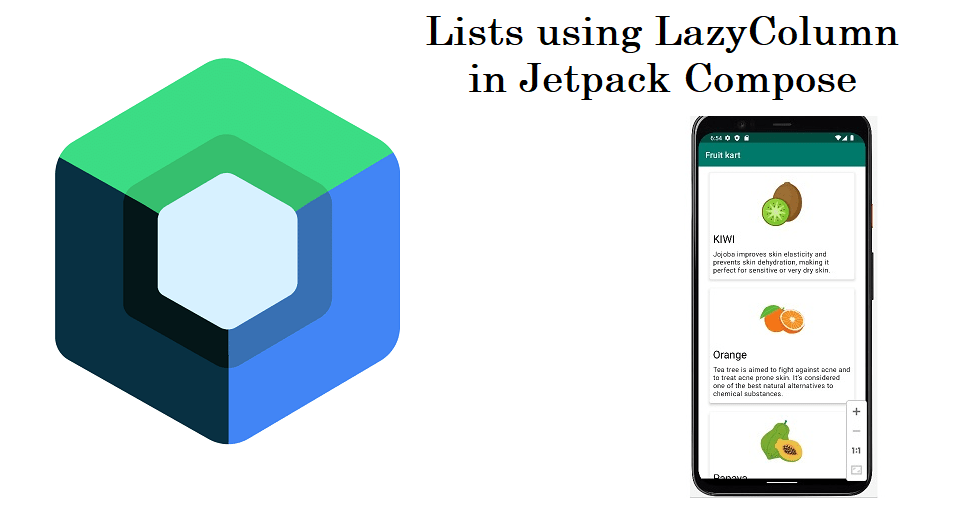
Jetpack Compose Scrollable Column Examples

jetpack compose scrollable column

Short answer: a Column in Jetpack Compose does not scroll by default. For a small, fixed amount of content, add Modifier.verticalScroll(rememberScrollState()) to the Column. For long or dynamic lists, use LazyColumn instead, because it only composes the items that are visible. This guide shows both approaches with Kotlin code you can copy, explains when to … Read more