
Let’s be honest — traditional PowerPoint slides just don’t hit anymore. Endless bullet points and static visuals can quickly drain attention, especially in classrooms and training sessions. In 2026, learners expect content that’s engaging and easy to understand. That’s where Vidnoz AI steps in as a game-changer. Instead of dull slides, Vidnoz AI enables users to create interactive educational videos with lifelike avatars, natural-sounding AI voices, and customizable templates. In this guide, we’ll provide a complete introduction to Vidnoz AI and show how this powerful tool can fully replace boring, slide-heavy PowerPoint presentations.
Part 1: Overview of Vidnoz AI
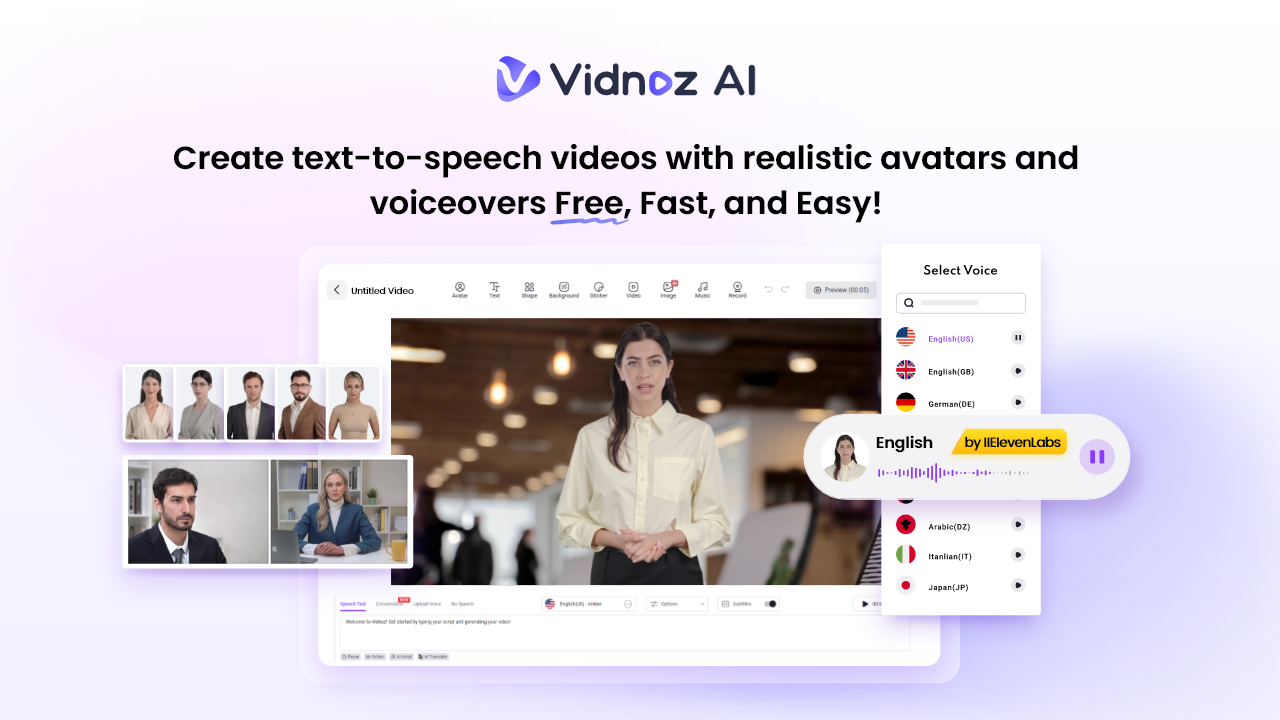
If you want to convert your boring PowerPoints into engaging and professional-looking visuals, we recommend using Vidnoz AI. It is one of the best AI Video Generators available online that enables users to generate high-quality videos with a simple text prompt. With Vidnoz AI, you can replace static slides with dynamic scenes, realistic AI avatars, and natural-sounding voiceovers that instantly capture attention.
Vidnoz AI is beginner-friendly and requires no prior video editing or design skills. The standout feature of this tool is that it is certified with ISO/IEC 27001:2022 for Information Security Management. Plus, it offers a free version that enables users to generate videos without spending a single penny.
Part 2: Powerful Vidnoz AI Features That Turn Slides into Engaging Videos
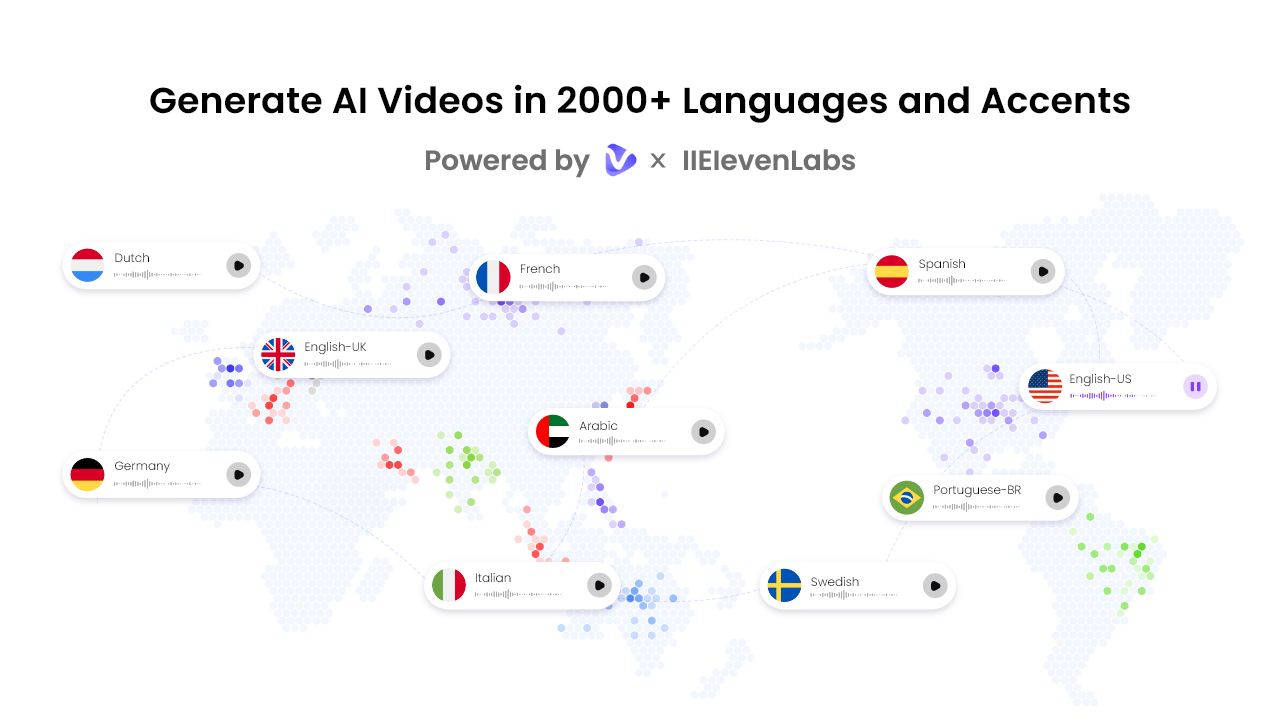
The program offers amazing capabilities and features, making it one of the best tools to turn PowerPoints into engaging visuals. Here are the top features of this program:
- High-Quality AI Voices: Vidnoz AI offers a huge collection of AI voices, each in a unique accent and style. With this tool, you will get 2000+ AI voices, all powered by ElevenLabs, Google, and Microsoft. The lip-syncing AI voiceover can perfectly match the text script with accurate lip movement.
- Customizable Video Templates: The program includes 2800+ personalized video templates, allowing users to create various types of videos, including educational, online courses, how-to guides, product demos, tutorials, and more. Users can also use custom templates to accelerate the brand video creation.
- Realistic AI Avatars: It provides 1900+ lifelike avatars from different industries and roles. The program includes avatars of doctors, students, teachers, nurses, customer support, hosts, and more. Plus, users can create a digital twin using Avatar Lite, and Avatar Pro offers deeper customization features.
- Free Version: As we’ve mentioned earlier, Vidnoz AI also offers a free version for first-time users, allowing them to check the program features before committing to any paid version. The free version of Vidnoz AI offers 30 free credits, AI avatars, templates, AI voices, Avatar Lite, and Avatar Pro.
- AI Video Wizard: The best part of Vidnoz AI is that it enables users to generate high-quality videos with a simple text prompt or any source material, such as PowerPoint slides, PDFs, documents, or scripts.
Part 3: Benefits and Drawbacks of Using Vidnoz AI
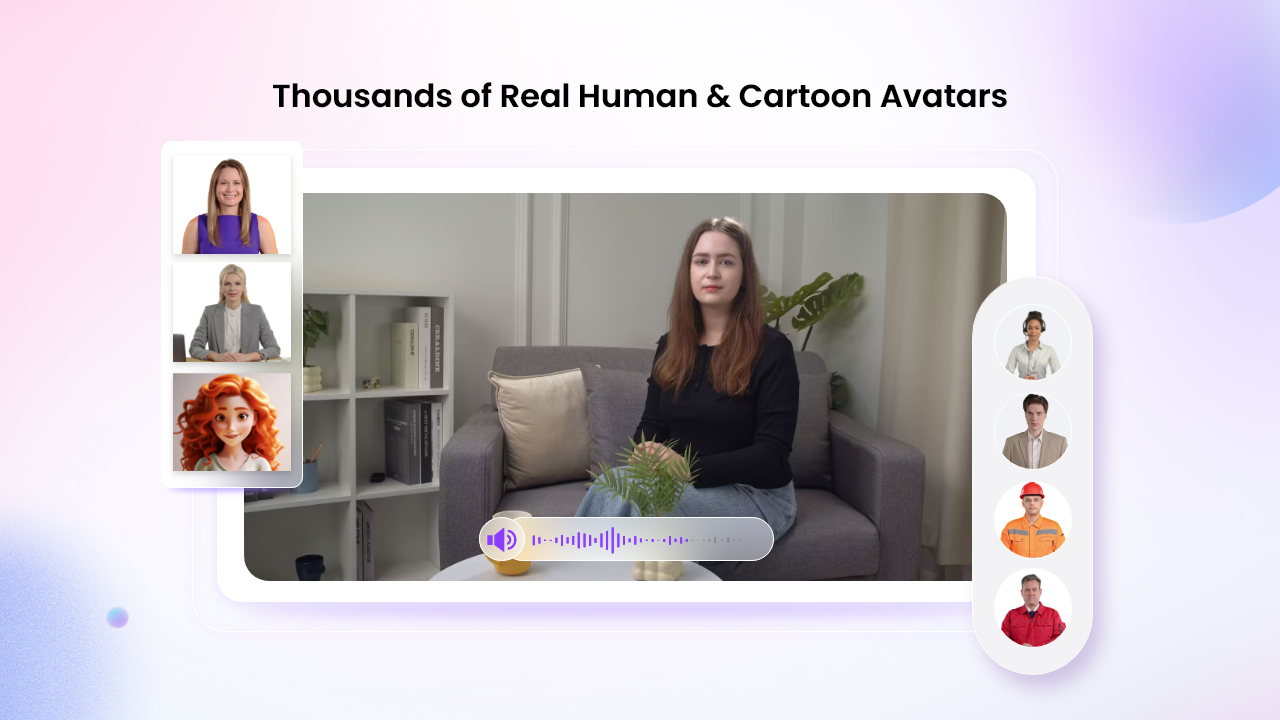
Just like any other AI video creation platform, Vidnoz AI comes with its own set of strengths and limitations. Below, we’ve mentioned the top pros and cons of using Vidnoz AI:
Pros
- Vidnoz AI offers an intuitive interface, which is best for non-tech and beginner users. No professional help or editing experience required.
- Offers 2800+ video templates, 1900+ lifelike avatars, and 2000+ AI voices. Also supports 140+ languages, including English, Chinese, Korean, Japanese, and more.
- Online Video Editor enables users to customize an AI video according to their requirements. Users can cut and trim footage, add animated effects, and do more.
- Vidnoz AI library includes a wide range of assets such as images, music, icons, and text that users can easily access and integrate into their videos.
- Enables users to generate AI images in various styles, including realistic, flat illustration, 3D cartoon, anime, and American comics.
Cons
- Vidnoz AI is a web-based AI Video Generator, meaning it requires a stable and active internet connection.
Part 4: How to Turn Boring PowerPoint Slides into Engaging Videos?
With Vidnoz AI, users can easily turn boring PowerPoint slides into engaging videos. Here is how to do it:
- Go to Vidnoz AI’s official site and click on the “Create Free Video Now” button. Choose the video templates and AI avatars.
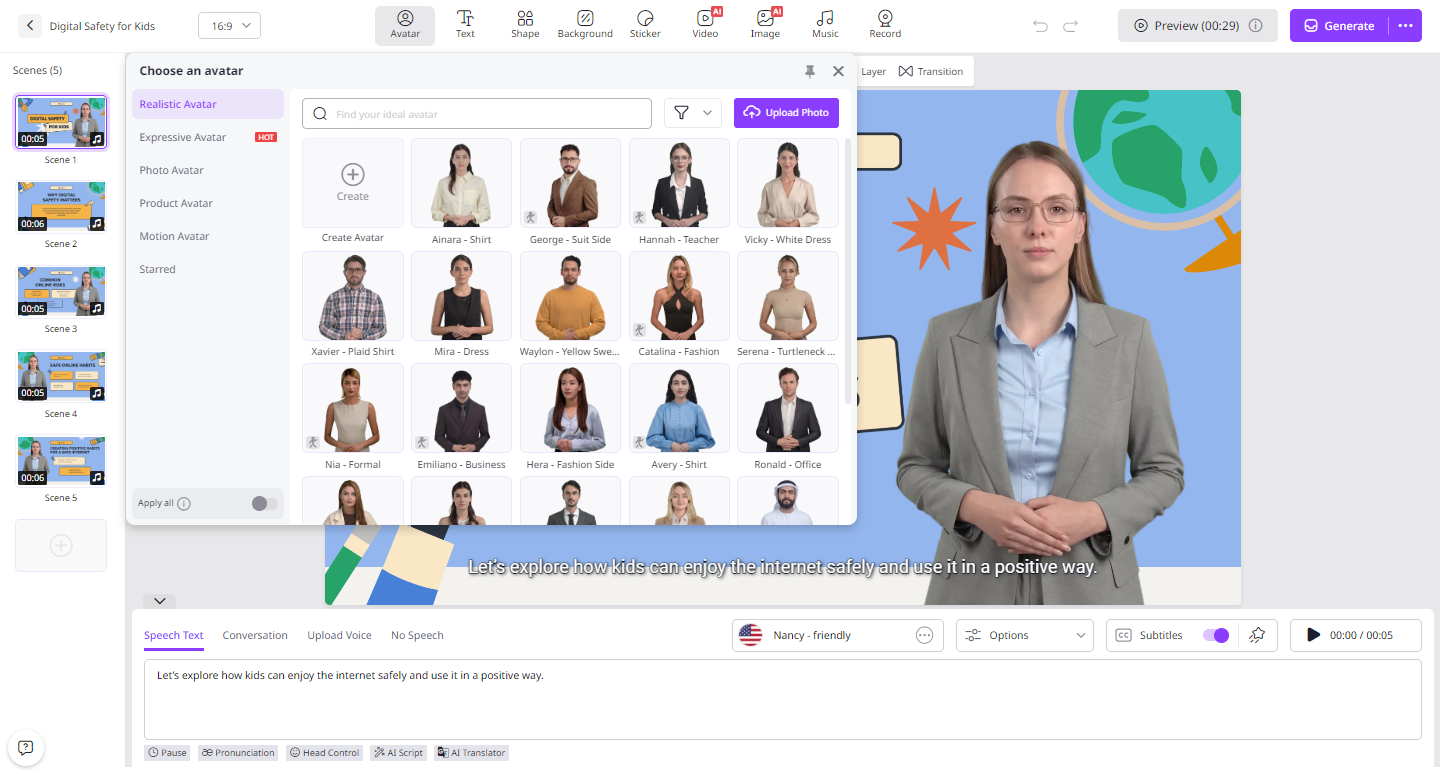
- Input your video script or upload any source material, such as PowerPoint slides. Users also have the option to choose the language of their videos.
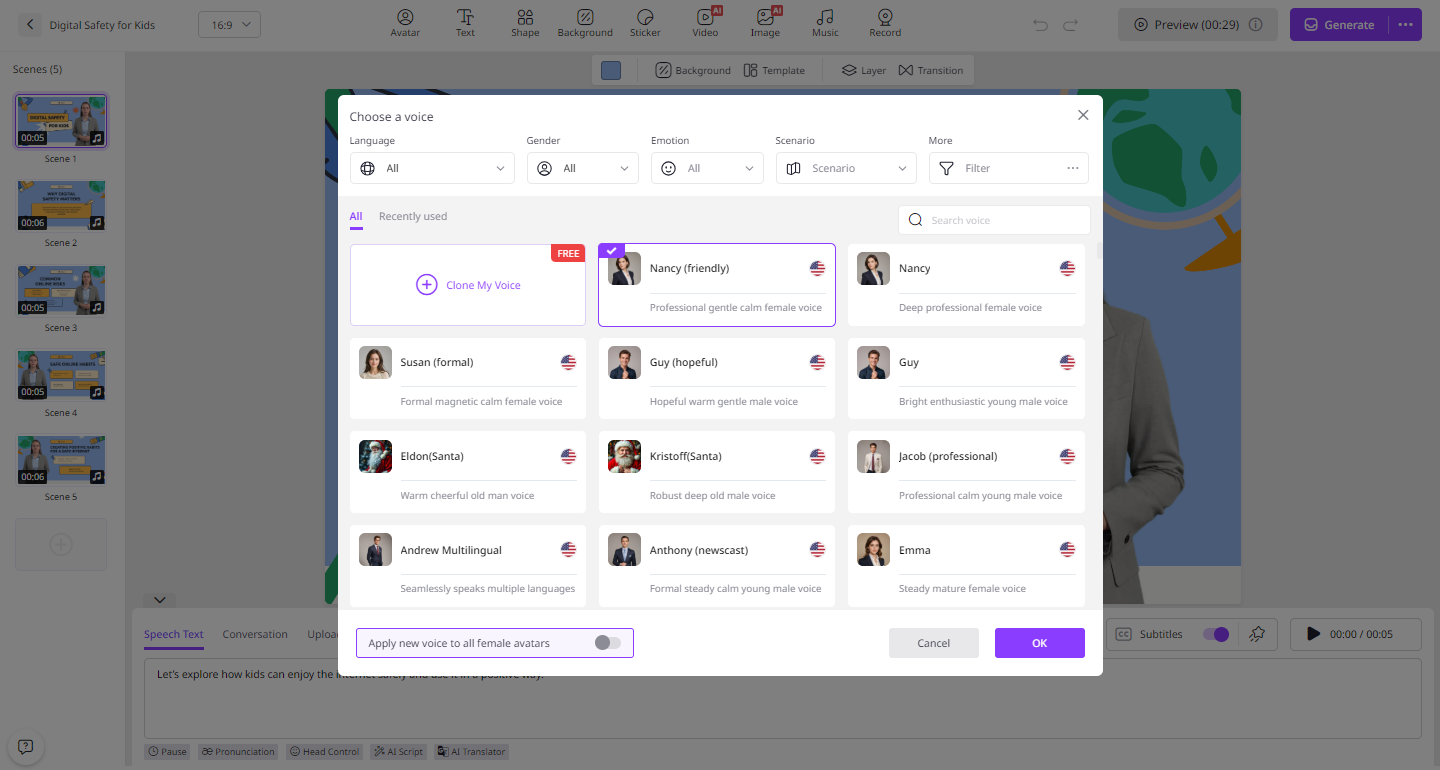
- Now, use the Online Video Editor to customize the AI video according to their requirement. Users can change the background, add music, insert text, and more.
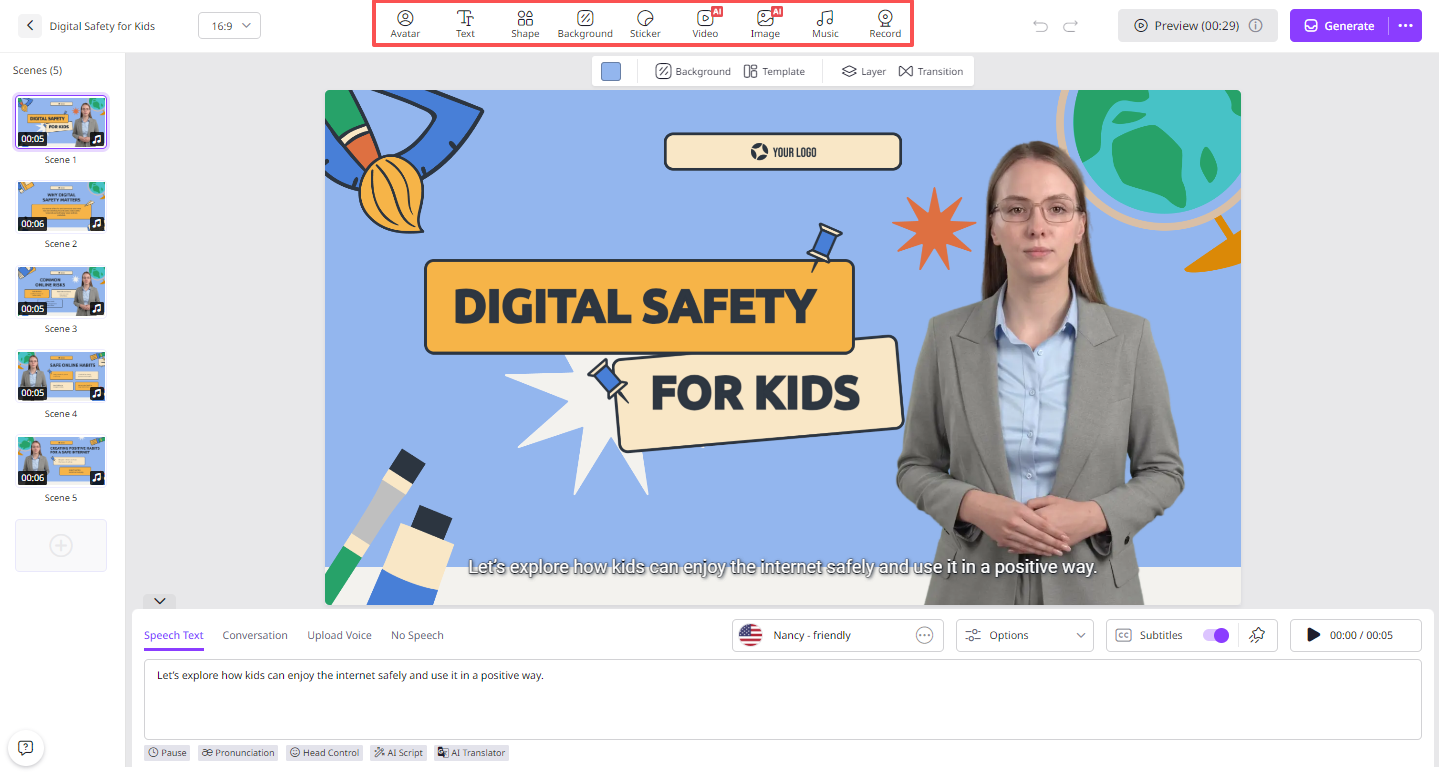
- Finally, click on the “Generate” button to begin the video creation process. Within seconds, your video will be ready and available for download.
Conclusion
In 2026, going through hundreds of PowerPoint slides feels more exhausting than productive. Thatäs is where Vidnoz comes in. With Vidnoz AI, presentations become dynamic video experiences that are easier to follow and far more effective.