
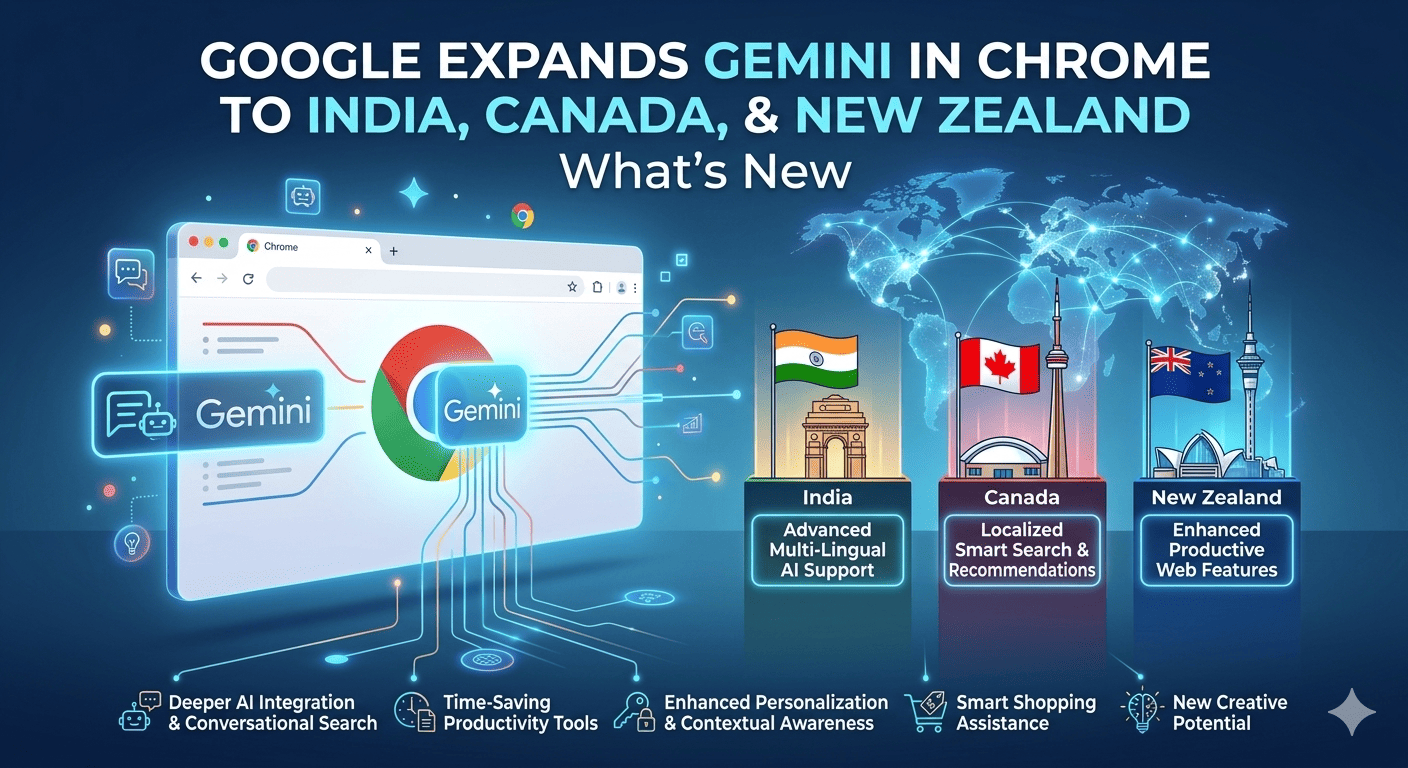
Google is expanding Gemini in Chrome to more regions—reportedly including India, Canada, and New Zealand—a move that signals Google’s intent to make AI assistance a built-in part of everyday browsing. For users in these countries, the update could change how you search, summarize pages, compare products, and get help while you browse—without constantly switching tabs.
This article explains what “Gemini in Chrome” is, what the expansion likely includes, how to check if you have it, and what privacy and productivity implications to know about.
1. What is “Gemini in Chrome”?
Gemini in Chrome refers to Google’s AI assistant (Gemini) being available directly inside the Chrome browser experience—so you can ask questions and get help that’s contextual to what you’re doing in the browser.
Depending on how Google is rolling it out, Gemini in Chrome can resemble:
- a built-in assistant panel or side panel
- contextual help for the current page (summaries, explanations)
- writing assistance for forms, emails, or documents
- research assistance without leaving the site you’re on
The main value: less tab-hopping, faster comprehension, and quicker drafting.
2. What’s changing with the expansion to India, Canada, and New Zealand?
With expansion to India, Canada, and New Zealand, the most likely changes are:
- wider regional availability (not limited to earlier pilot regions)
- more users seeing Gemini features inside Chrome without needing complex setup
- additional language or localization improvements over time (especially relevant for India)
Because Google often rolls out features gradually, you may see:
- staged availability (some accounts/devices first)
- feature differences depending on OS, account type, or subscription tier
3. Who gets access (and when)?
Availability typically depends on factors like:
- Chrome version (newer builds first)
- being signed into a Google account
- region/account settings (country, language)
- Google’s server-side feature flags (rollouts can take days/weeks)
- sometimes: whether you have Gemini Advanced / Google One AI (for certain features)
If you’re in India, Canada, or New Zealand and don’t see it immediately, it doesn’t necessarily mean you’re excluded—your account may simply be later in the rollout.
4. What you can do with Gemini in Chrome (real use cases)
Here are the highest-value things everyday users actually do with it:
A) Summarize long pages instantly
- news articles
- product reviews
- research reports
- policy pages and terms
Prompt ideas:
- “Summarize this page in 5 bullet points.”
- “What’s the main argument and what’s missing?”
B) Explain complex text
Helpful for:
- technical documentation
- legal/finance language
- medical or academic content
Prompt:
- “Explain this like I’m new to the topic.”
- “Define the key terms from this page.”
C) Compare options while shopping
- compare specs across tabs
- extract pros/cons from reviews
Prompt:
- “Compare the top 3 models mentioned here and make a table.”
D) Draft messages and posts faster
- emails, replies, support messages
- short summaries for colleagues
Prompt:
- “Write a short, polite reply that confirms next steps.”
E) Turn page content into action items
Prompt:
- “Create a checklist based on this article.”
- “Turn this into 10 study flashcards.”
5. How to check if Gemini in Chrome is available for you
Try these quick checks:
- Update Chrome
- Menu (⋮) → Help → About Google Chrome → Update → Relaunch
- Sign into Chrome
- Make sure you’re logged into your Google account in Chrome
- Look for:
- a Gemini icon, assistant entry point, or a side panel feature
- “Labs” or AI features section (varies by build/region)
If you tell me whether you’re on Windows, macOS, Android, iOS, or Chromebook, I can give the most accurate “where to click” steps.
6. Privacy: what to consider before using Gemini in Chrome
Whenever AI becomes integrated into a browser, users should assume:
- prompts and interactions may be processed by cloud services
- some context may be used to improve responses (depending on settings)
- enterprise/work accounts may have additional controls or restrictions
Best practice:
- avoid pasting passwords, verification codes, or private client data
- review Google’s AI/privacy settings for your account
- if you use a managed work device, check company policies
7. Tips to get better results from Gemini in Chrome
- Ask for a format: “Make a table / bullets / checklist”
- Set a role: “Act as a tutor / product analyst / editor”
- Use constraints: “In 120 words” or “Only use facts from this page”
- Verify important claims—AI summaries can miss nuance
8. FAQ
Is Gemini in Chrome free?
Some features may be free, while advanced capabilities can be tied to Google’s AI plans. It also may vary by country and rollout stage.
Why don’t I see Gemini in Chrome yet?
Rollouts are often gradual. Make sure Chrome is updated and you’re signed in, then wait for server-side enablement.
Will this replace Google Search?
Not exactly. Think of it as a layer on top of browsing that helps you understand and act faster, while Search remains the gateway.
9. Key takeaways
- Google is expanding Gemini in Chrome availability to India, Canada, and New Zealand.
- Expect gradual rollout and feature differences by account/device.
- The biggest wins: summaries, explanations, comparisons, and drafting—right inside the browser.
- Be mindful of privacy when using AI tools in a browser context.