
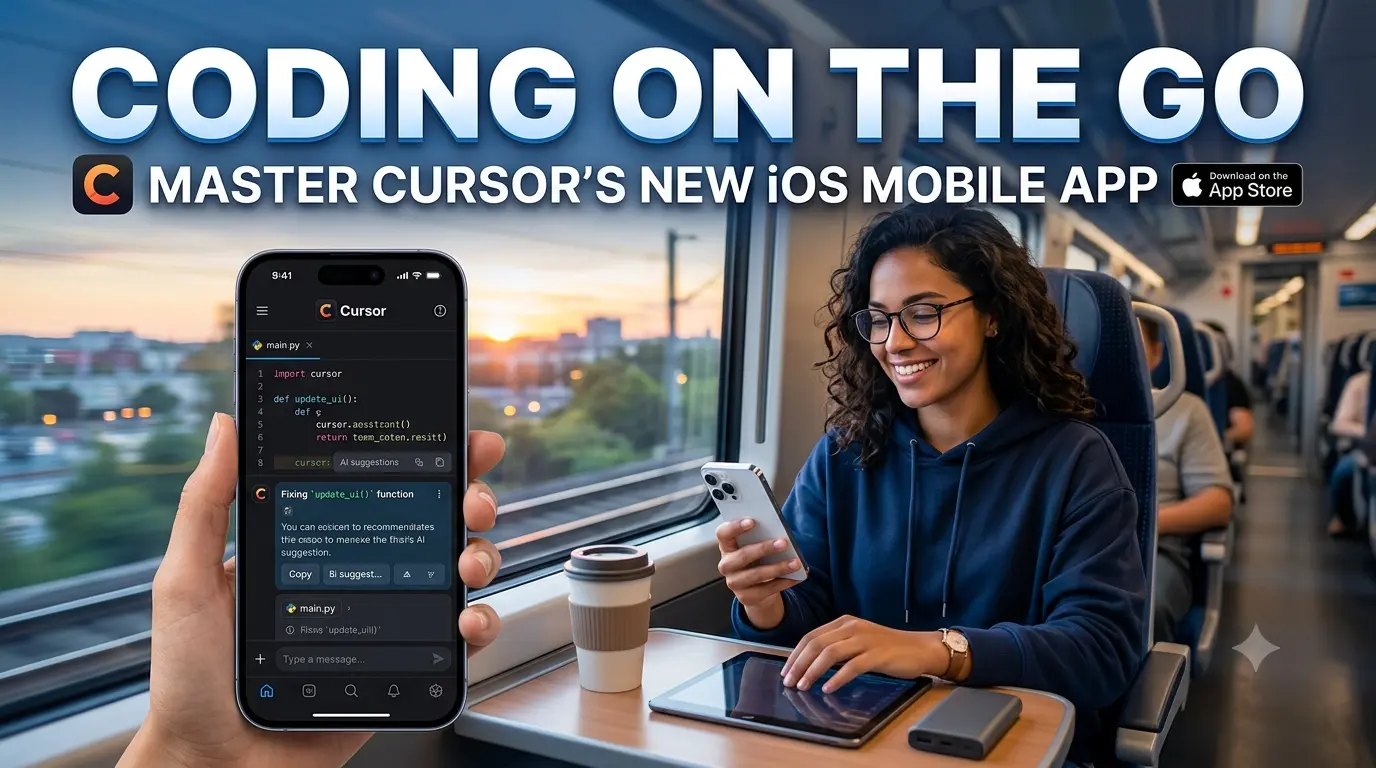
Master Cursor’s new iOS mobile app. Learn how to launch always-on AI coding agents, configure Remote Control, and code from your phone.
Key Takeaways
-
Autonomous Cloud Agents: Launch complex, background programming tasks directly from your iPhone or iPad without leaving your computer on.
-
Remote Control Mode: Control your local desktop environment securely via Cursor 3.9 using a unified cloud-to-local handoff.
-
Lock-Screen Monitoring: Track long-running code generation and continuous multi-file refactoring using native iOS Live Activities.
-
Beta Incentives: Available now for paid subscribers, featuring a 75% discount on all Composer 2.5 runs through July 5, 2026.
The boundary between deep work at a multi-monitor desk and mobile monitoring has vanished. Following its blockbuster $60 billion acquisition by SpaceX to align under the xAI ecosystem, Anysphere has officially launched the public beta of its native Cursor iOS app.
This is not a glorified text editor or an SSH terminal wrapper. It is a fully decoupled mobile command center designed to orchestrate autonomous AI coding agents from your pocket.
Unpacking the Cursor AI Mobile App for Coding Agents
The release marks a fundamental shift in software development. As Anthropic’s Claude Code team recently noted, an increasing number of core engineering decisions and reviews are shifting directly to mobile devices. When AI agents write the literal syntax, the engineer’s role transitions from a typist to an architectural supervisor.
The native iOS application brings Cursor’s heralded Composer 2.5 workflow out of the desktop environment. By executing agents entirely in the cloud, developers can initiate massive refactoring projects, run test suites, and generate feature branches while sitting in traffic or away from their desks.
┌────────────────────────────────────────────────────────┐
│                   Cursor iOS App UI                   │
├────────────────────────────────────────────────────────┤
│  [Repo: Frontend-Main]  [Model: Claude 3.5 Sonnet]     │
│                                                        │
│  🎤 Voice Input: "Refactor auth middleware to JWT..."  │
│                                                        │
│  ┌──────────────────────────────────────────────────┐  │
│  │ ⚡ Cloud Agent Active: 14 files modified        │  │
│  │ ├─ Demos & Screenshots Generated                 │  │
│  │ └─ PR Ready for Review                           │  │
│  └──────────────────────────────────────────────────┘  │
│  [ Approve & Merge PR ]       [ Handoff to Desktop ]    │
└────────────────────────────────────────────────────────┘
How It Works: Cloud Agents vs. Remote Control
The core architecture of the app relies on two distinct operation modes, catering to different development environments.
1. Always-On Cloud Agents
In this mode, your local computer can be completely asleep or shut down. You open the application, select an authenticated remote repository, choose your foundation model, and describe your task via natural text or voice dictation.
The agent deploys to a secure cloud sandbox, executes file modifications, spins up ephemeral environments to test changes, and packages the solution into an inspectable pull request.
2. Desktop Remote Control (Cursor 3.9)
If you have a specialized local configuration or work within a restricted intranet environment, Cursor 3.9 introduces desktop tethering.
The app securely signals your local workstation, allowing you to wake the machine remotely, monitor ongoing local agent runs, inspect real-time logs, and view visual UI diffs generated by your office desktop.
Step-by-Step Guide: Configuring Remote Connectivity
Many early beta testers on Discord and the Cursor forums have noted that setting up remote connectivity requires a couple of non-obvious steps. Follow this exact technical sequence to link your workspace:
-
Step 1: Activate Cloud Agents Online: Navigate to your web-based account dashboard at
cursor.com/dashboard/cloud-agentsand toggle the cloud execution permission to “Enabled.” -
Step 2: Update Your Desktop Client: Ensure your local machine is running at least Cursor version 3.9.
-
Step 3: Enable Local & Remote Sync: Inside the desktop IDE interface, navigate to the Agents View options panel and explicitly select Local & Remote to grant incoming connection permissions from your Apple ID.
-
Step 4: Pair via the iOS App: Open the app on your phone, authorize the secure handshake token, and select your live machine from the active device list.
Addressing the Gaps: What Power Users Need to Know
While major tech publications have focused primarily on the corporate drama surrounding the SpaceX acquisition, we tested the developer-centric boundaries of this public beta build to uncover how it handles specialized environments.
The Model Context Protocol (MCP) Limitation
Power users who rely heavily on Model Context Protocol (MCP) setups to hook their AI models into custom database schemas, enterprise APIs, or local developer tools should note a current beta restriction: the initial iOS build lacks localized MCP configuration toggles in the primary UI dropdown.
If your workflow requires complex MCP server access, you must route your agent via the Remote Control desktop mode, allowing the cloud client to inherit the environment contexts configured on your host computer.
iOS Compatibility & OS Restrictions
The visual layout utilizes Apple’s modern SwiftUI framework alongside intensive lock-screen updates. Consequently, the app requires iOS 18 or newer to install. Developers running older operating systems due to corporate stability compliance profiles will need to upgrade their devices or continue utilizing the legacy Progressive Web App (PWA) client.
Compilation Architecture and Host Contexts
Currently, standalone cloud agents run in Linux container environments. For iOS and Mac-focused developers, this means you cannot natively build or compile platform-specific Apple binaries entirely inside an un-tethered cloud session. For these workflows, running the app as a mobile controller for your local macOS hardware is mandatory.
The Rise of Mobile Vibe Coding
The term vibe coding has evolved from an engineering meme into an undeniable economic metric. App Store submissions have surged dramatically over the past year, powered heavily by rapid AI iteration cycles.
By wrapping multi-file awareness, continuous execution, and user feedback validation into a mobile form factor, Cursor has made it possible to review visual diffs, inspect automated UI screenshots, look over backend error logs, and merge production-ready pull requests without ever typing a semicolon.
The app seamlessly integrates with native Apple notifications. When an agent gets stuck, hits a compilation error, or generates an interactive web demo for your review, it pushes a rich notification to your device. You can look at the visual snapshot on your lock screen, tap to approve, or dictate a quick structural correction to keep the background process moving.
Frequently Asked Questions
Is the Cursor iOS app free to use?
The app is free to download from the Apple App Store, but utilizing its advanced cloud agent orchestration and Remote Control features requires an active paid Cursor subscription (Pro or Business).
Can I build mobile apps directly on the cloud agent?
Yes, you can write the code for any application platform. However, because cloud agents run on cloud-hosted Linux containers, compiling and testing platform-specific builds like iOS apps requires you to tether the application to a local Mac host using Remote Control mode.
Does the iOS app support Android deployment?
The native client is currently exclusive to Apple devices in public beta. However, Cursor’s engineering team has officially confirmed that a dedicated Android application is actively in development and planned for a future release cycle.
How secure is the remote desktop tethering?
All data transmissions between your mobile device, the cloud relay, and your local desktop are fully encrypted end-to-end. Furthermore, host access permissions must be manually granted inside your web-based Cursor dashboard before any device can establish a remote link.