
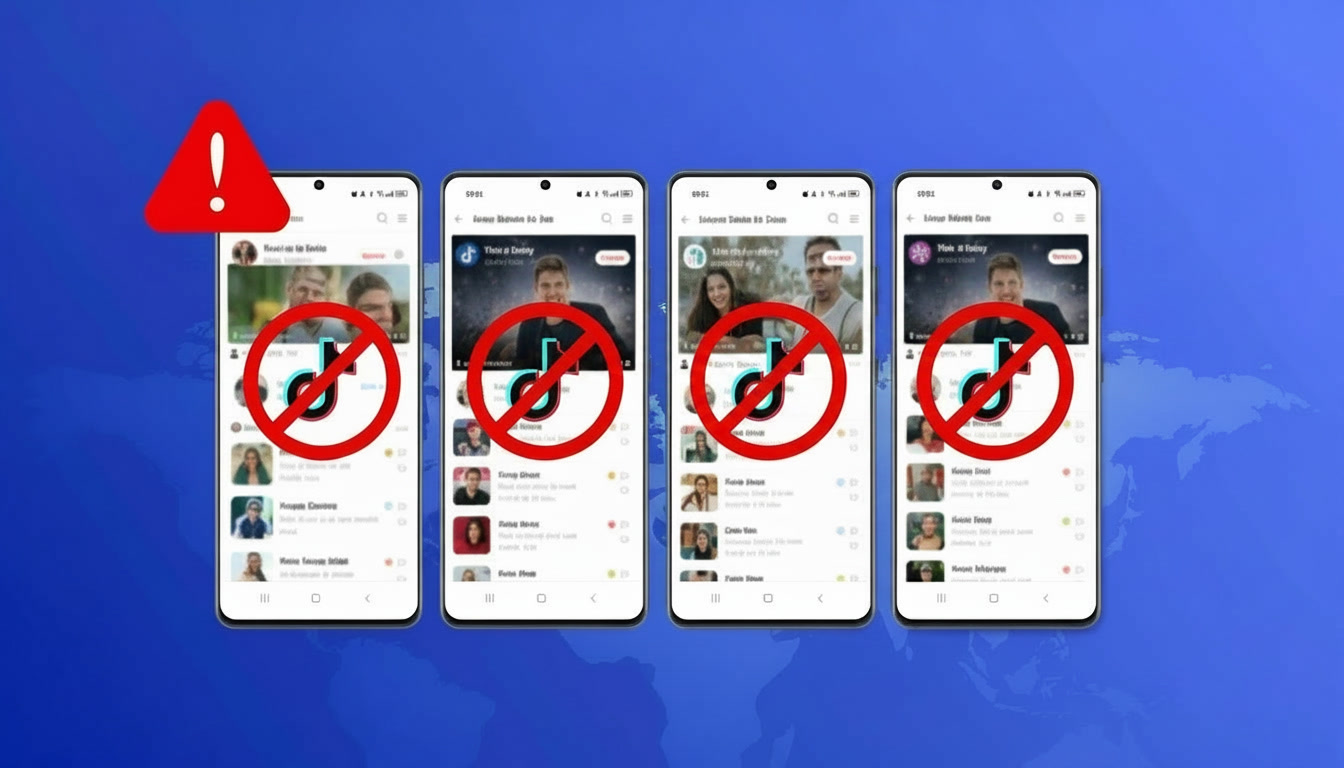
My TikTok Account Got Shadowbanned. Here’s How I Fixed It for Good.
I woke up one morning to check my TikTok analytics. Something felt off immediately. My last video had 47 views. The one before that had 52. Normally, I averaged 3,000 to 5,000 views per post. No warning email, no notification. Just silence. After hours of research and posting test videos that went nowhere, I finally accepted the truth. I was shadowbanned.
What Caused the Shadowban
You might be wondering: how did I knew it was a shadowban? The signs were clear once I knew what to look for. My videos stopped appearing in hashtag searches. I searched for a hashtag I knew I used, scrolled for minutes, and my post never showed up. My content only reached my existing followers. New people couldn’t find me. Engagement dropped from 200+ likes per video to 15 or 20. I posted at the same time, with the same quality, but the algorithm had ghosted me. The worst part? TikTok never told me. Just a quiet death. Looking back, I was making 3 classic mistakes.
- First, I was running 2 TikTok accounts from the same phone. I’d log out of one, log into the other, post, and switch back. TikTok saw the same device ID, same IP address, same login patterns. To the algorithm, that looked like a spam operation.
- Second, I was using a free VPN to “protect” my privacy. But free VPNs use datacenter IPs that TikTok has seen thousands of times. Those IP ranges are often blacklisted.
- Third, I automated some actions. Not much. Just scheduled posts through a third-party tool. But that tool’s servers were also flagged.
One mistake might have been fine. All 3 together got me shadowbanned within 2 weeks.
What Didn’t Work to Lift the Shadowban
I tried everything I found online. I stopped posting for 3 days. I switched to a different VPN. Still shadowbanned. I deleted and reinstalled the app. Same result. I appealed through TikTok’s support form. They never replied.
Some forums suggested posting every hour to “reactivate” the account. That made things worse. TikTok flagged me for spammy behavior. After 2 weeks of trying, I was ready to abandon the account entirely.
How Multilogin Solved the Isolation Problem
Here’s what I learned. TikTok shadowbans accounts that share environments. The only way out is to give each account its own completely separate environment. That means no shared devices, IPs, browser fingerprints.
Multilogin Cloud Phones solve this problem perfectly. A cloud phone is a real Android device running remotely.
You start by creating a new mobile profile in your Multilogin dashboard. You pick your preferred location – say, Austin, Texas or London, UK. The system automatically assigns a residential or mobile proxy from that area. No separate purchase or configuration needed.
Then you launch the cloud phone. A new window opens showing a real Android home screen. It looks exactly like a phone you just bought and turned on for the first time. You open the Google Play Store, search for TikTok (or Instagram, Facebook, Reddit, whichever app you need), and install it. Same process as any physical Android phone.
Once installed, you open TikTok and sign in to your account. The platform sees a genuine device from your chosen city, on a legitimate mobile or residential connection. You scroll, like, comment, post videos, run ads. Everything works exactly as it would on a phone in your hand. When you’re done, you close the window. The next time you open it, TikTok is still installed and you’re still signed in. No logging in and out. No password resets. No location mismatches.
Why Multilogin Works Better Than Emulators or VPNs
Here’s the key difference. Emulators like BlueStacks or LDPlayer pretend to be Android but leak signals. TikTok detects emulators within hours. Emulators run on your Windows or Mac computer. They create a virtual Android environment, but they can’t perfectly mimic real phone hardware.
A cloud phone runs on real Android hardware inside a data center. When TikTok requests device information, the cloud phone returns real data from real components. The platform cannot tell the difference between this device and a phone sitting in someone’s hand. That’s why cloud phones survive while emulators get banned within hours.
And unlike free VPNs that use blacklisted datacenter IPs, Multilogin gives you residential and mobile proxies built right in. Residential proxies make you look like a home internet user. Mobile proxies make you look like someone scrolling on 4G or 5G.
That’s the difference between getting caught and staying invisible.
How I Fixed My Shadowbanned Account
I moved my main account to a dedicated Multilogin cloud phone with a residential proxy in my actual city. A cloud phone is a real Android device running in a data center – you can install TikTok on it, and use it exactly like a physical phone. The key difference? You can pick your location. Instead of TikTok thinking you’re logging in from a random VPN server in Ireland, it sees a real person in Austin, Texas scrolling on 4G. The algorithm started showing my videos to local users first. Within 5 days, my views climbed back to 800. After 10 days, I was over 2,000.
I also tested something else. Using 2 additional cloud phones in different Texas cities, I had them naturally like and comment on my main post within the first hour. The video got pushed to all 3 metro areas and hit 12,000 views in 24 hours – way above my normal 3,000 to 5,000. The algorithm rewards engagement coming from real devices in real locations. That’s something emulators and VPNs simply can’t deliver.
Now I run 3 TikTok accounts on Multilogin cloud phones. Each has its own mobile proxy. I also invited a virtual assistant to help with engagement – she logs into her own dashboard, accesses only the cloud phones I assign her, and never needs my passwords. No shadowbans since the switch. That was 4 months ago.
The Cost of Doing This Right
You might think this setup is expensive. It’s not.
Multilogin offers a Pro plan at $11 per month ($7.08 if billed annually). That includes cloud phones, browser profiles, and built-in residential and mobile proxies + mobile minutes. No separate payments for residential IPs or mobile proxies.
Compare that to losing a monetized TikTok account with 50,000 followers. That account could be generating hundreds or thousands of dollars per month.
What I Would Tell My Past Self
Don’t wait until you’re shadowbanned to fix your setup. Move your accounts to isolated environments from day 1. Use Multilogin cloud phones for mobile apps. Use browser profiles for web access. Never share devices or proxies between accounts.
And ignore the free VPNs and emulators. They’re traps. The algorithm isn’t trying to punish you personally. It’s just looking for patterns. Don’t create patterns. Create separation with Multilogin.
Author: Daria G.